
Calling it
When you activate the trigger, the app shows its Webhook URL and a token, once. Three ways in; any one is enough:- Token in the path:
POST <your Reliant URL>/hooks/<trigger id>/<token>. This is for senders that cannot set headers, such as Zapier. Treat the whole URL like the token. - Bearer token:
POST <your Reliant URL>/hooks/<trigger id>withAuthorization: Bearer <token>. - Signed body: if you configure HMAC, a delivery with a valid signature is accepted.
header defaults to X-Signature-256, algorithm to sha256 (sha1 and sha512 also work), encoding to hex (or base64). Configuring HMAC adds a way in; the token still works.
The token is stored hashed and shown once. If it leaks, rotate it from the automation’s page: the old token stops working immediately.
What the run sees
trigger.payload has four fields: body (the parsed JSON, or the raw text if it is not JSON), headers, query and content_type. Headers and query entries that carry secrets are removed. Payloads are untrusted data from an outside sender, so guard optional fields with has() in filters.
Responses, retries and duplicates
Deliveries are de-duplicated so a sender’s retry does not start a second run. The key is the first of
Idempotency-Key, X-Idempotency-Key, X-Request-Id or X-Delivery-Id that you send. With none, an identical body within the same minute counts as a retry.
Testing
Send a request withcurl, then read the result in the automation’s history, which records each delivery and what it did:
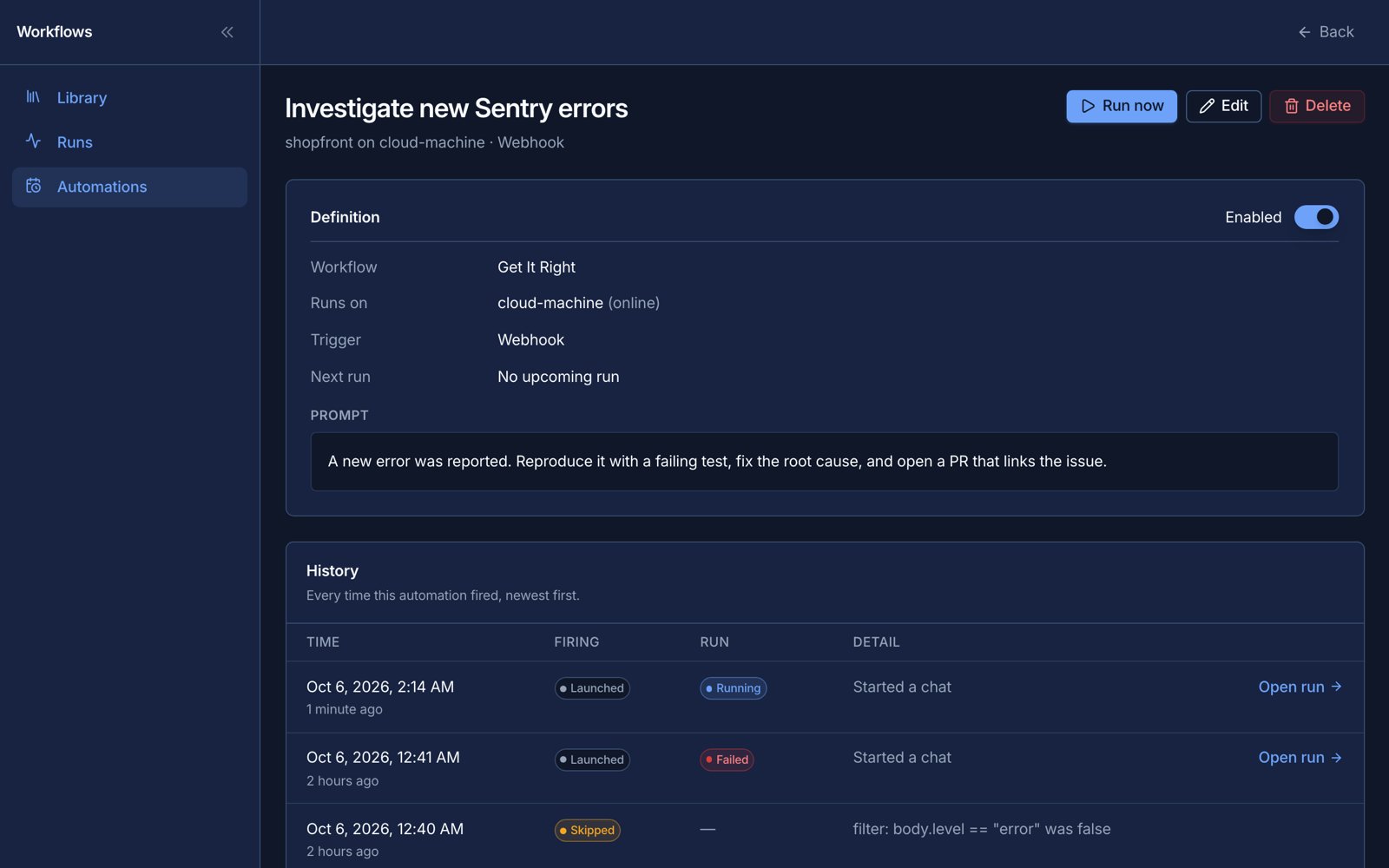
A webhook delivery that started a run. Example data.
Related topics
- Automations overview
- HTTP integration, for calling out rather than in