
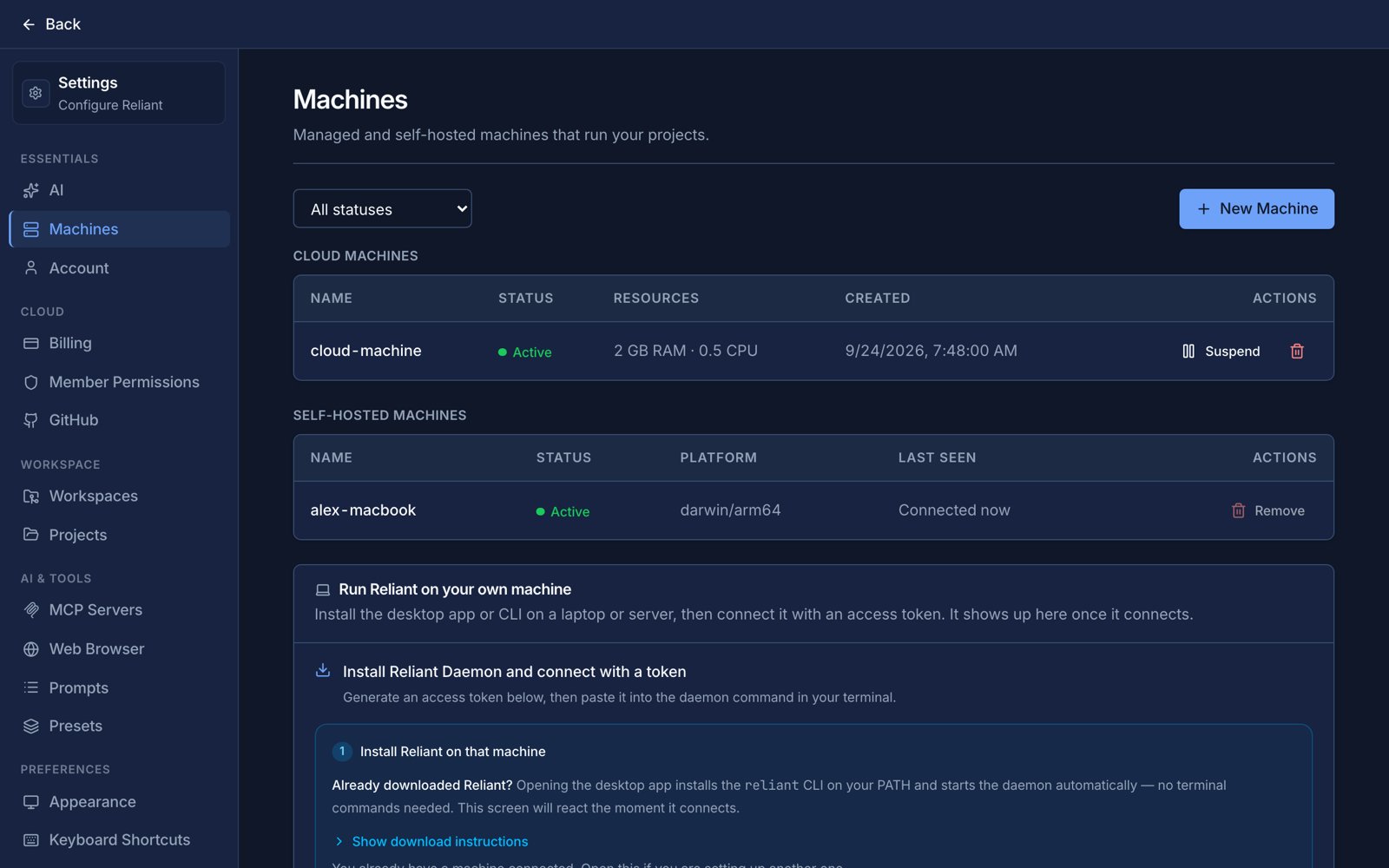
Settings → Machines, with a cloud machine running. Example data.
When to use which
Choose your own computer for a project when the project is already checked out there, when it needs hardware or network access only that computer has, or when you want the work to happen next to your editor. Choose a cloud machine when you want runs to keep going while your laptop is closed, when you want to start work from the web or your phone, or when an automation has to fire at 3 a.m. on a schedule. You can have both and give different projects different machines.What lives on the machine
Because the daemon is the thing that reads your files, several pieces of configuration belong to the machine rather than to your account:- Your project files and git history, including any worktrees.
- Memory files:
~/.reliant/reliant.mdis the one on that machine, so a cloud machine has its own, separate from your laptop’s. - MCP servers. They are started by the daemon, so a server that needs
npxoruvxneeds it installed on the machine that runs it. - Model configuration and any local models.
One machine per project
Every chat in a project runs on that project’s machine. You do not pick a machine each time you start a chat: the project has one, and its files, git history and worktrees live there. Different projects can live on different machines, for example one on your laptop and another on a cloud machine. Automations are the exception. An automation can run its project’s work on a different machine from the one your chats use, which is how a scheduled job can use a cloud machine that is awake at 3 a.m. while you work interactively on your laptop. A workflow can also pin a machine itself withdaemon:. The rules are in Choosing a machine in workflows.
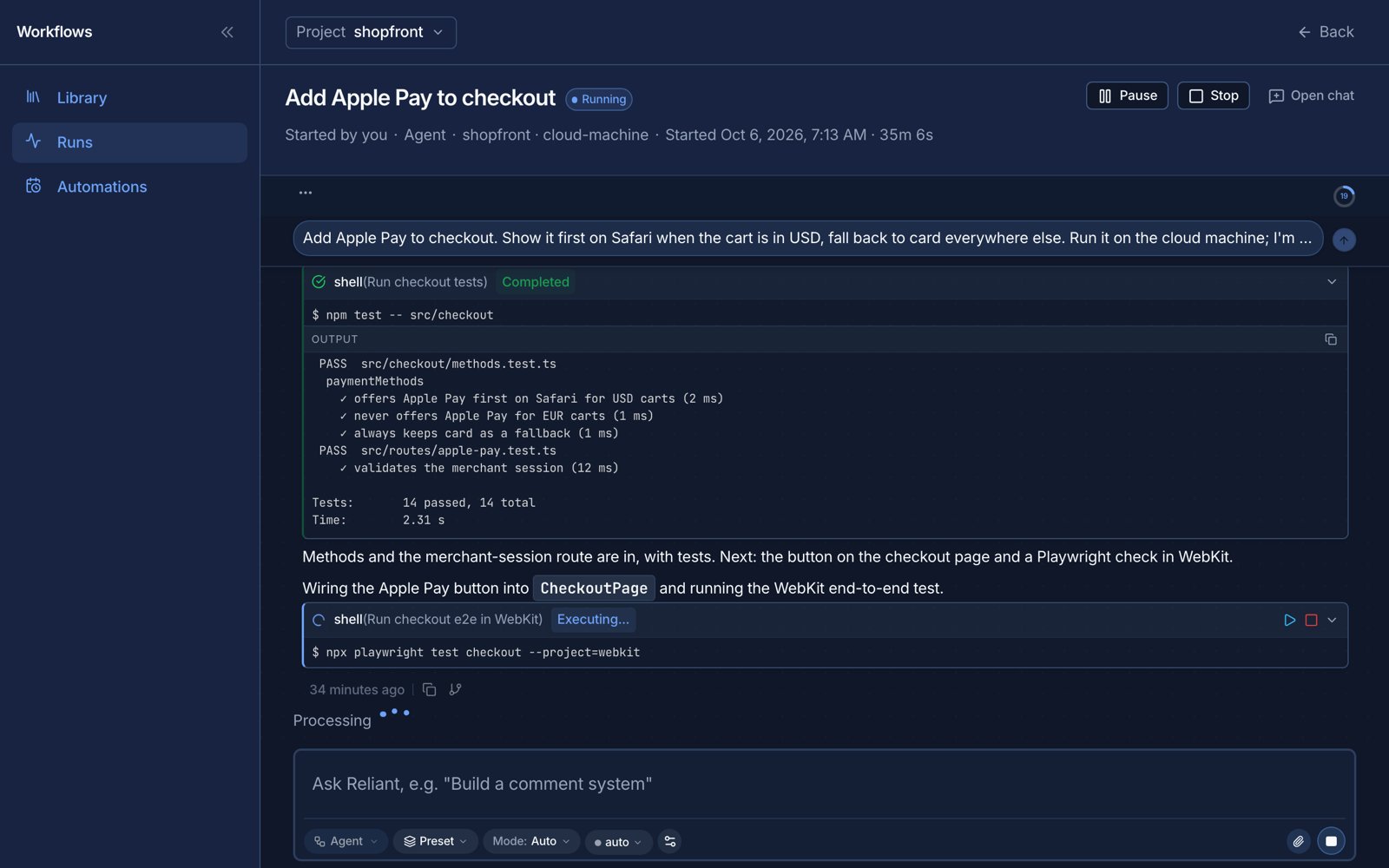
A cloud machine running a chat. Example data.
Related topics
- Your own computer: install, register and run a daemon.
- Cloud machines & plans: sizes, hours, waking and suspending.
- Choosing a machine in workflows: the
daemon:field and selection order. - Billing, wallet & Reliant AI