
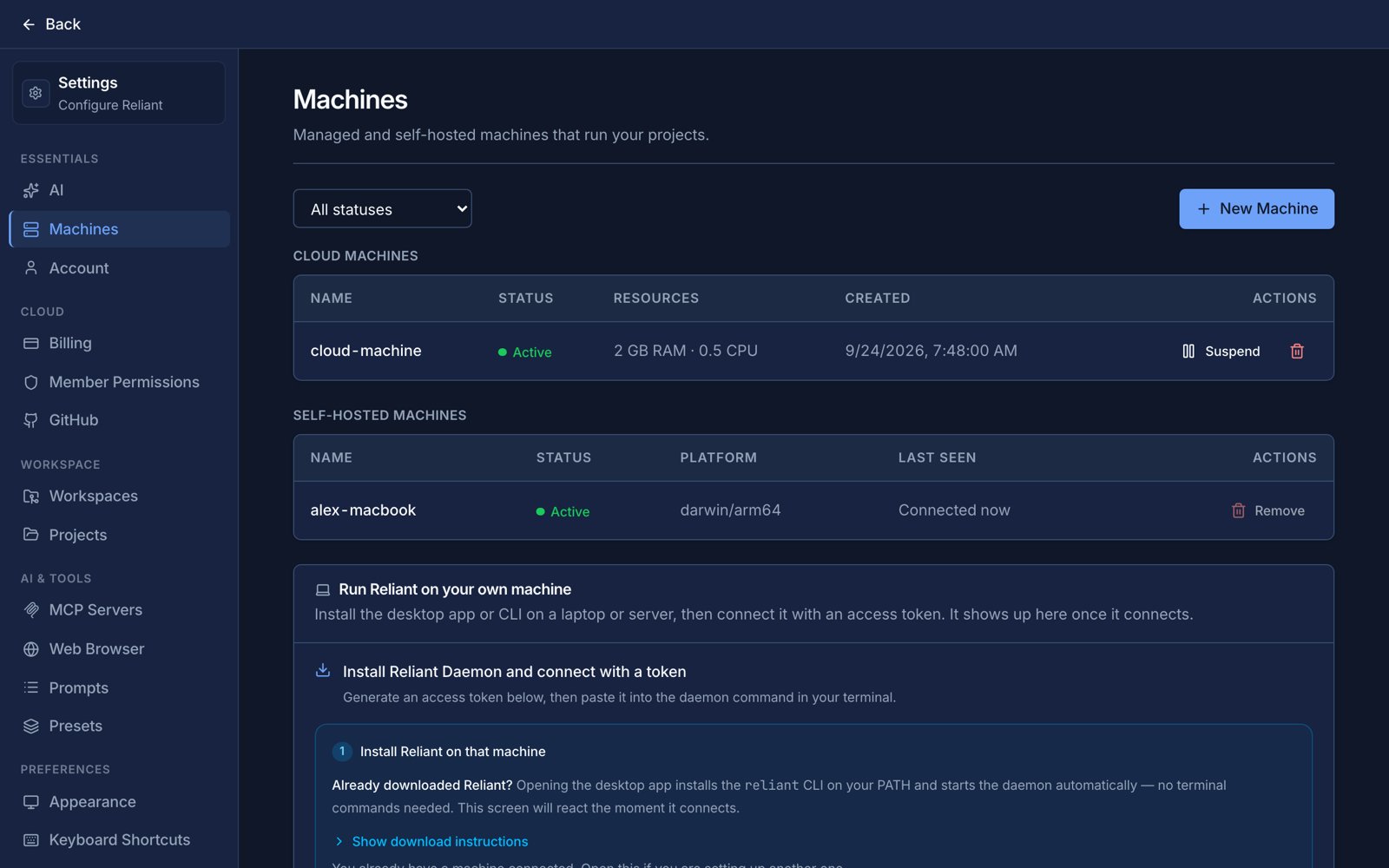
A cloud machine that is awake, and the same machine asleep. Example data.
Compute plans
You buy a compute plan, a monthly subscription, and the plan decides the largest machine you can create. A plan always allows its own size and every smaller one.
“Reserved” is what your machine is guaranteed; “can burst to” is how far it may go above that when the host has room, which is useful for a spiky build. Choose a size by the memory your builds and tests need: that is the limit people usually hit first.
Included hours and extra time
Every plan includes 160 hours of machine time per month, shared across all your machines. The size of the plan buys a bigger machine, not more hours. Time is counted while a machine is awake; a suspended machine uses no compute hours. When the included hours are used up, you choose what happens in Settings → Billing, under extra machine time:- Stop at my included hours. Machines will not start once the hours are used, and nothing extra is charged.
- Allow extra time, up to a monthly limit. Machines keep running and the extra time is billed, but never beyond the limit you set.
- Allow extra time with no limit.
If you redeemed a coupon that grants machine time, those minutes are used after your included hours and before any extra time is billed. They are a one-time bonus and do not renew each period. The Usage tab shows hours included, hours of extra time, the estimated cost of that extra time, and any coupon minutes left.
Waking and suspending
A cloud machine does not run all the time. After a period with no activity it suspends: its compute is released and you stop using hours, but its disk is kept, so your checkout, installed tools and uncommitted work are exactly where you left them. You choose how long “no activity” is when you create the machine: 15 minutes, 30 minutes (the default), 1 hour, 2 hours or 4 hours. Four hours is the most the platform accepts. You do not have to wake a suspended machine yourself. When a chat in a project that lives on it, or an automation needs it, Reliant resumes it and the run continues once it has reconnected; this takes a short while, and the machine shows as waking in Settings → Machines until it does. You can also start and stop it by hand there.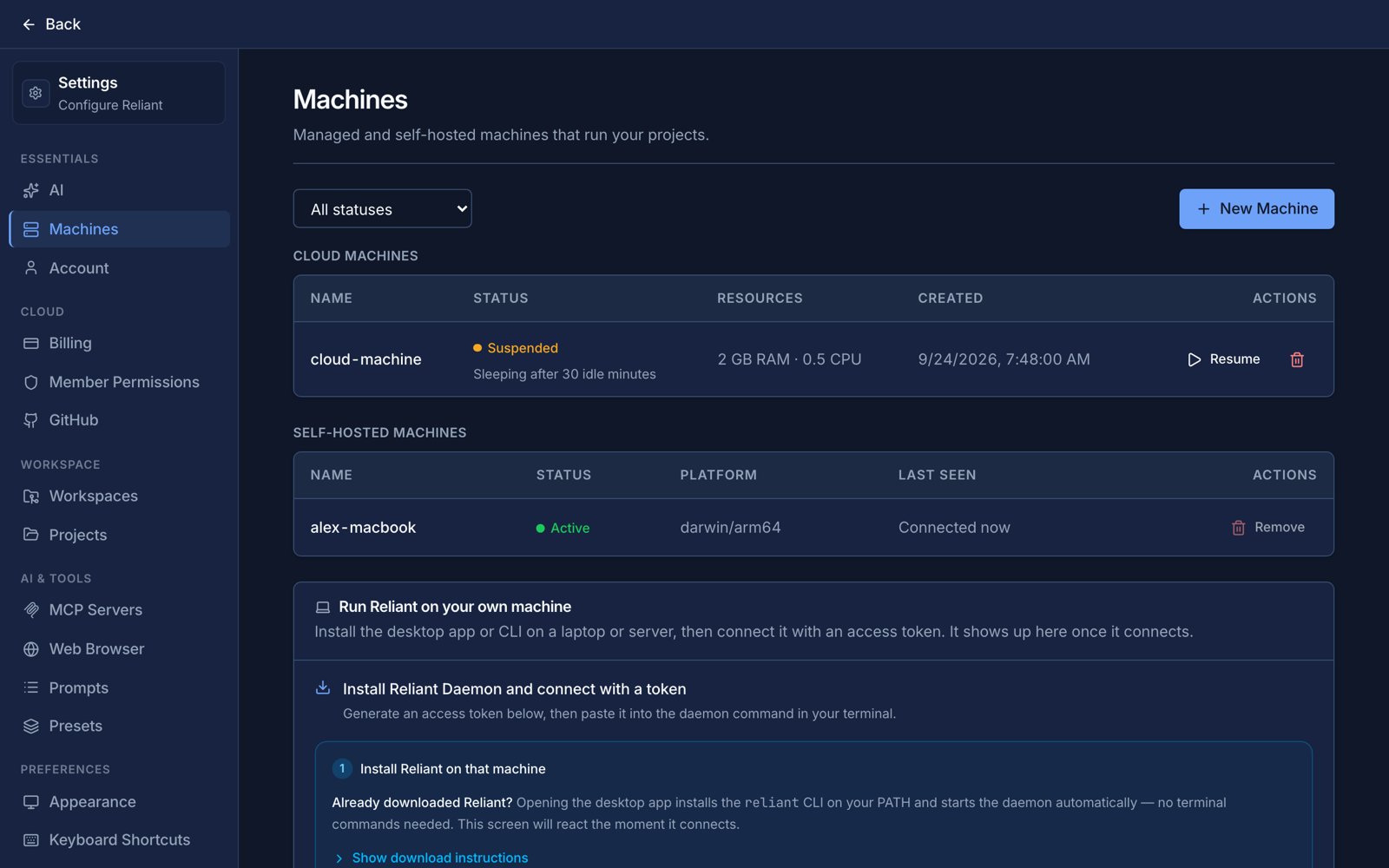
Machines asleep and waking. Example data.
Creating and managing machines
In Settings → Machines, choose Create Machine, give it a name, optionally pick a repository to clone, choose a size (only the sizes your plan allows are offered) and set the idle timeout. The same page lets you open a machine to see its status, size, storage and idle timeout, restart it, grant outside apps access to it, and delete it. Plans, upgrades and cancellation are under Settings → Billing; see Billing, wallet & Reliant AI.Related topics
- Machines overview
- Your own computer, for a machine that costs no compute hours
- Billing, wallet & Reliant AI
- Troubleshooting, if a machine will not connect