
A rule of thumb: if you would want it in the agent’s head on every task, it is a memory; if you would want it only when a certain kind of task comes up, it is a skill; if it is a procedure the agent runs, it is a workflow. Keep memories short, since they are read every time.
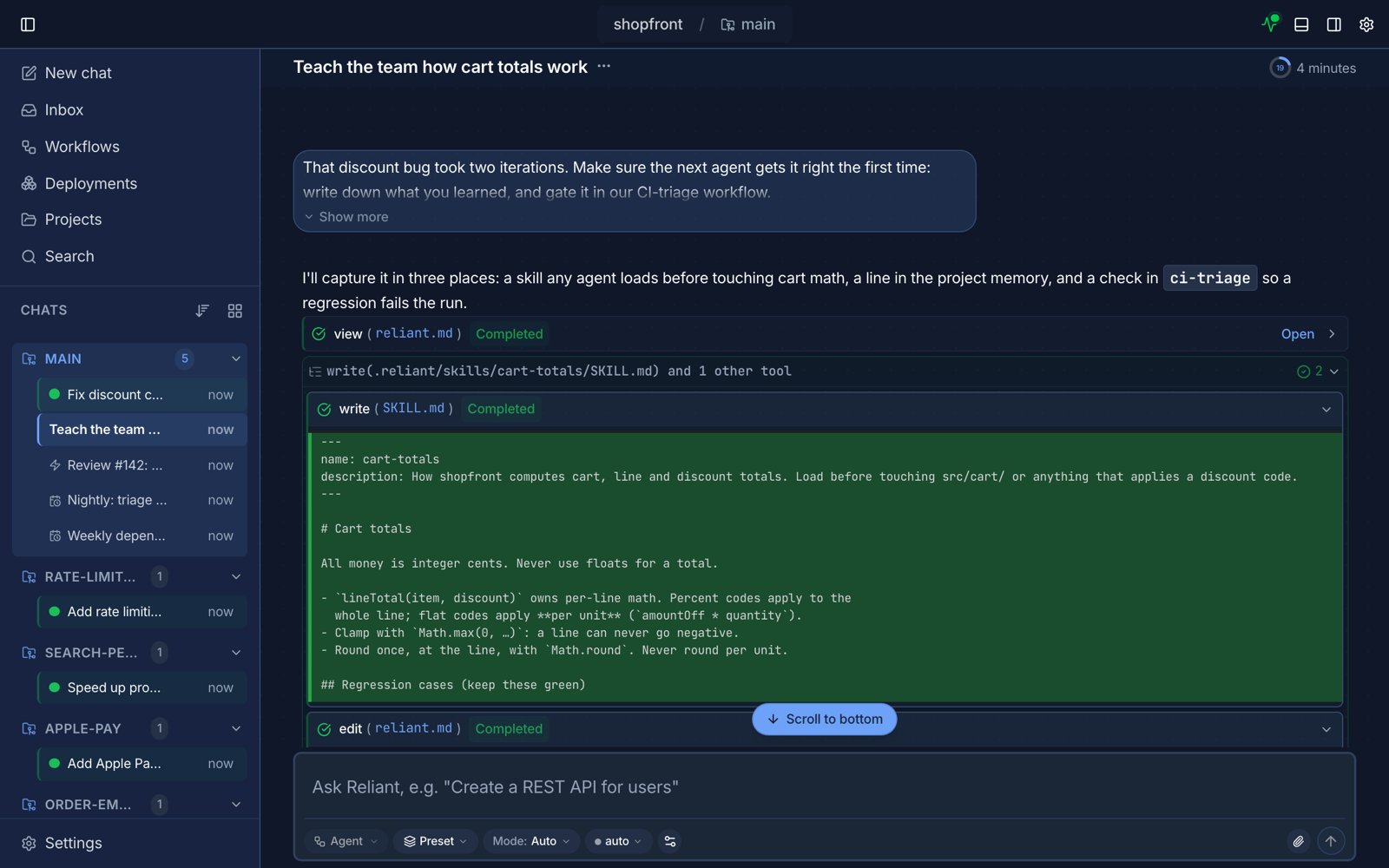
An agent writing a skill and a memory from a correction. Example data.
Memories
Memory files are plain markdown, so an agent updates them the way it edits any file. Ask it to “remember that we use pnpm, not npm” and it adds the line toreliant.md in the project (shared with your team) or reliant.local.md (just you). Memories live on the machine the project lives on; see Memories for the files and how they are combined.
Skills
A skill is a folder with aSKILL.md: a name, a description that says when to use it, and the instructions. Agents see the descriptions and load a skill with the skill tool when a task matches, so a long playbook costs nothing until it is needed. An agent can write a new skill by creating the file, and you can preload skills into an agent with the skills input. See Skills for the format and where Reliant looks.