
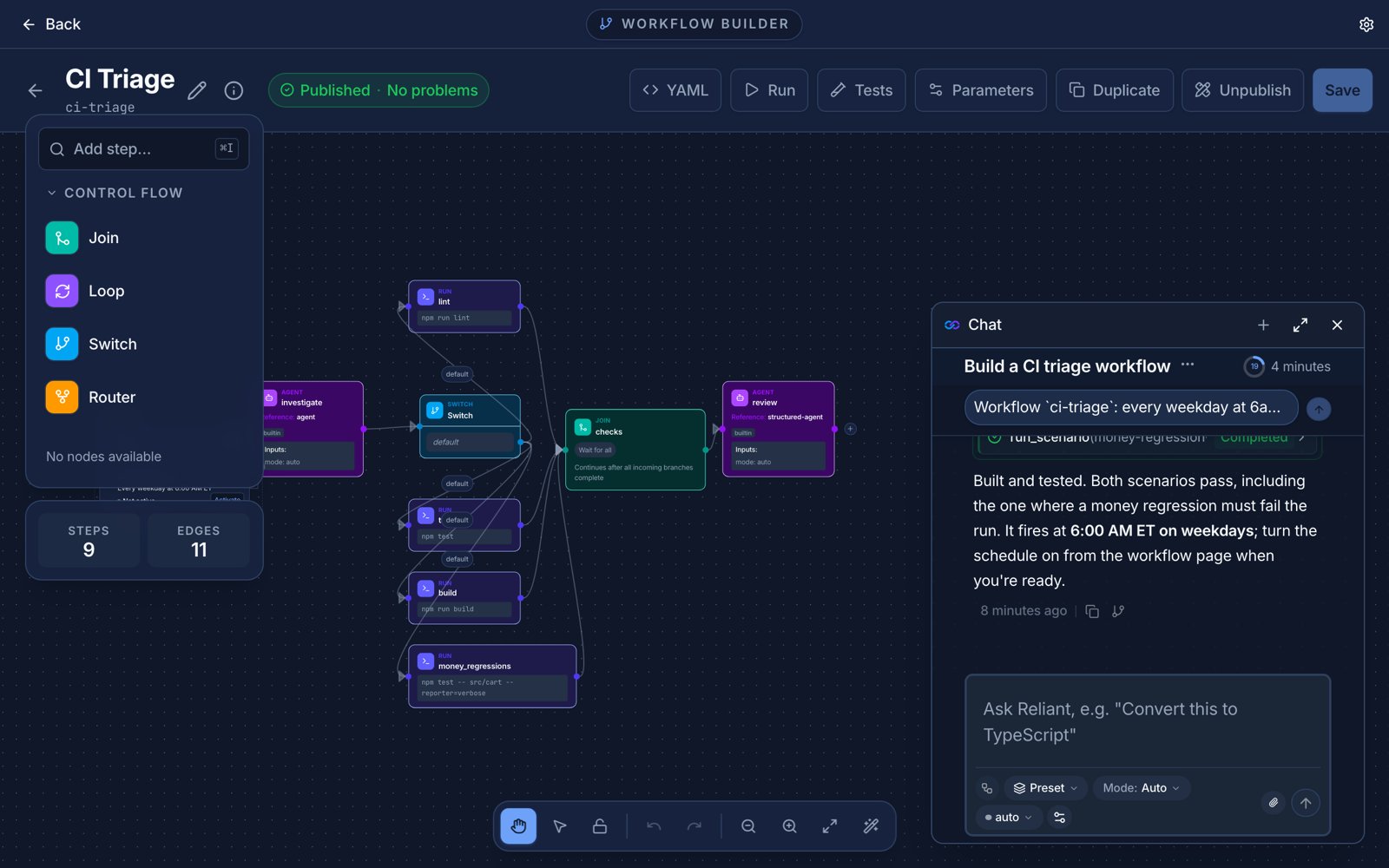
Building a workflow in conversation. Example data.
The three phases
1. Scope. A natural conversation about what you are automating: the steps, where it branches or repeats, which services and tools it touches, and whether anything needs your approval along the way. When it has enough, it writes a plan toWORKFLOW_PLAN.md, including an inventory of integrations.
2. Integrations. If the plan needs custom pieces, such as a script, a wrapper around an MCP server, or a small client for an API, they are built here, each through a Get It Right loop so it is verified before the next one. If the plan needs nothing custom, this phase is skipped. Built-in integrations such as GitHub and Slack are used as they are, and are not rebuilt.
3. Workflow. The workflow is written by an agent using the workflow_builder preset, inside another Get It Right loop whose checks are scenarios: it is asked to write at least two or three scenario tests and run them. The result is saved as a workflow you can open in the builder, edit, and run.
By default it pauses for your review between phases (ask), so you can redirect before it spends time on the wrong plan.
Workflow tools in any chat
You do not have to start this workflow to build or edit one. In any chat, the workflow tools are oneload_tool away:
workflow-builder skill. Editing an existing workflow is the same: it finds the workflow, reads its current content, and makes targeted changes. Workflows are saved as drafts until they validate; a draft cannot be run.
Check what it made
Validate a workflow file from the command line:Related topics
- Improve Reliant itself
- Built-in workflows
- Automations, to run what you build on a schedule or an event